Can You See Who Views Your TikTok Story? Complete Answer [2025]
Can you see who views your TikTok story? Yes—TikTok shows creators exactly who watched their stories. But there's more to it than a simple yes or no. Understanding how TikTok's story viewer tracking works can help you manage your privacy and know what others can see about your viewing activity.
In this complete guide, we'll explain everything about TikTok story views: what creators can see, how long viewer data lasts, privacy settings you should know about, and how to view stories without appearing in someone's viewer list.

The Short Answer: Yes, TikTok Shows Story Viewers
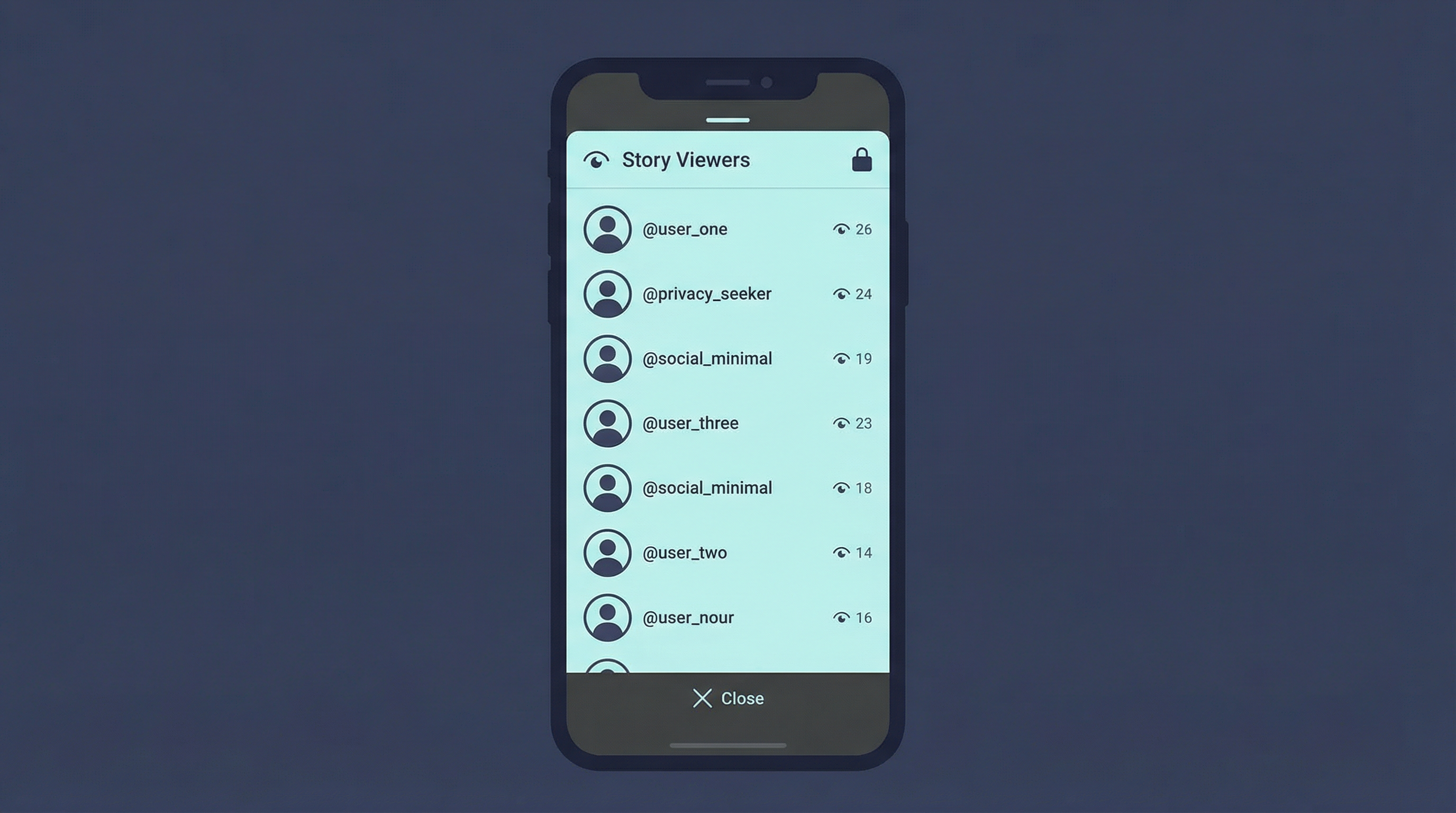
Unlike regular TikTok videos (where you can't see individual viewers), TikTok stories do show who viewed them. When you post a story, you can see:
- A list of usernames who watched your story
- Total view count displayed on the story
- Interaction data like comments and reactions
This viewer list is only visible to you (the story creator)—other viewers can't see who else watched. The data remains accessible even after the story expires and moves to your archive.
Key Facts About TikTok Story Views:
- Stories last 24 hours before expiring
- Viewer list is private to the creator
- View data is preserved in archives after expiration
- No notifications sent when someone views your story
- No screenshot notifications on TikTok stories
How to Check Who Viewed Your TikTok Story
Checking your story viewers is straightforward. Here's how to do it:
Open Your Active Story
Tap your profile picture with the blue ring to view your current story.
Look at the View Count
At the bottom of your story, you'll see the total number of views.
Swipe Up or Tap the View Count
This reveals the full list of usernames who watched your story.

Can You See Story Views After 24 Hours?
Yes! Even after your story expires, you can still access the viewer data through TikTok's story archive feature.
How to Access Archived Story Views:
- Go to your TikTok profile
- Tap the menu icon (three lines)
- Select "Story archive"
- Choose the expired story you want to check
- View the preserved viewer list and stats
TikTok keeps this data for a limited time, so check your archives periodically if viewer analytics matter to you.
Story Views vs. Profile Views vs. Video Views
TikTok has different visibility rules for different types of content. Here's how they compare:
| Content Type | Can See Viewers? | Duration |
|---|---|---|
| Stories | ✓ Yes - Full list | 24 hours + archive |
| Profile Views | ~ Optional - 30 days | If both users enable |
| Regular Videos | ✗ No - Count only | Permanent |
Note: Profile view history is a separate feature that must be enabled in settings. It only works if both you and the viewer have it turned on.
Can Someone View Your Story Without You Knowing?
Yes—there are ways to view TikTok stories anonymously without appearing in the viewer list:
Anonymous Story Viewers
Web-based tools like Story Viewer fetch stories through their servers, so your identity is never revealed to TikTok.
Story View History Setting
TikTok has a setting to hide your story views, but it also prevents you from seeing who viewed your own stories.
If you're concerned about who's viewing your stories anonymously, understand that there's no way to detect these viewers. Your viewer list only shows people who watched through the official TikTok app with default settings.
TikTok Story Privacy Settings
TikTok offers several privacy controls for stories:
Who Can View Your Stories
Control whether everyone, friends only, or specific people can see your stories. Go to Settings → Privacy → Story to adjust.
Story View History (Your Views)
Toggle this off to hide your name when you view others' stories. Note: You'll also lose the ability to see who viewed your stories.
Hide Story From Specific Users
Block certain accounts from seeing your stories without fully blocking them on TikTok.
⚠️ Important: The "Story view history" setting is separate from "Profile view history." Turning off one doesn't affect the other.
Frequently Asked Questions
Do story views count as profile views?
No. Story views and profile views are tracked separately. Watching someone's story doesn't automatically register as a profile visit.
Can you see who screenshots your TikTok story?
No. TikTok does not notify you when someone takes a screenshot of your story, unlike Snapchat.
How accurate is the TikTok story view count?
The view count is generally accurate, but may not include views from anonymous viewer tools or users with story view history disabled.
Can blocked users see your TikTok stories?
No. Blocked users cannot see your stories, profile, or any content you post.
If I view a story multiple times, does it count as multiple views?
Your username only appears once in the viewer list, but multiple views from the same account may increase the total view count.
How to View Stories Without Being Seen
If you want to watch TikTok stories without appearing in the viewer list, here are your options:
Use an Anonymous TikTok Story Viewer
The most reliable method is using a web-based story viewer. These tools access TikTok content through their own servers, ensuring your identity is never transmitted.
- No TikTok account required
- 100% anonymous viewing
- Works on any device
- Can download stories without watermark
Conclusion
Yes, you can see who views your TikTok story—TikTok provides a complete viewer list for story creators. This data is private to you and remains accessible even after the story expires through the archive feature.
Key takeaways:
- TikTok shows full viewer lists for stories (unlike regular videos)
- Viewer data is preserved in story archives after 24 hours
- You can disable story view history, but you'll lose access to your own viewer data
- Anonymous viewer tools can bypass TikTok's tracking entirely
Whether you're a creator wanting to understand your audience or a viewer concerned about privacy, knowing how TikTok's story system works helps you make informed decisions about your social media presence.